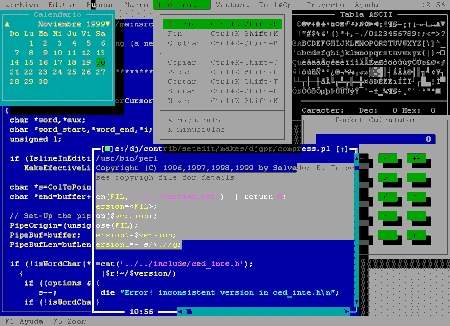
Web site: setedit.sourceforge.net
Category: Office
Subcategory: Text Editors
Platform: Linux, Windows, DOS, Darwin, BSD, Solaris, QNX
License: GNU GPL
Interface: TUI
Wikipedia: SETEDIT
First release: 1996
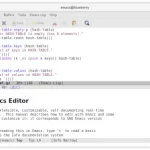
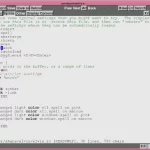
SETEDIT – a free and cross-platform software clone of the editor found in the Borland Turbo integrated development environment with a number of improvements.
Features:
– Selection
– Indentation
– Pairs of braces, brackets, etc.
– Macros
– Jump in the text
– Search and Replace
– Movement
– Tabs support
– Intuitive interface using windows and mouse
– The state of all windows is remembered
– Configurable keyboard
– Configurable menus
– You can run external programs pressing a key or using the menu
– Projects to group files with some common criteria
– Undo
– Documentation generator
– Very fast (and yet configurable) syntax highlight
– Class browser using TAGS
– Word completion using TAGS
– Support for UNIX files for DOS and DOS files for Linux.
– Transparent support for compressed text files (gzip and bzip2 formats)
– Context sensitive help system
– Syntax help system
– Reader for .info help files with many features as bookmark, open more than one window, search, mouse, etc.
– Code pages support
– Customizable colors
– Clock
– Calculator
– Tips
– Customizable palette of colors
– Fonts
– MP3 player
Supported platforms:
– DOS or any other OS that can emulate DOS in a decent way.
– GNU/Linux for i386. (The code runs for Alpha, AMD64, ARM, HPPA, Itanium (IA64), PPC and SPARC but isn’t fully tested).
– Win32 (Windows 95, 98, ME, NT 4.0, 2000, XP, etc.) as a native application, not a DOS application.
– Darwin, FreeBSD, NetBSD and OpenBSD. May be also other BSD flavors.
– Solaris (Tested on a SPARC64 machine and also an x86 machine)
-QNX
The project began in 1996.